Live production crews and multicamera operators.
FOURI / BROADCAST & VOICE
FOURI PRODUCT / INDEPENDENT ACCESSAutoDirector
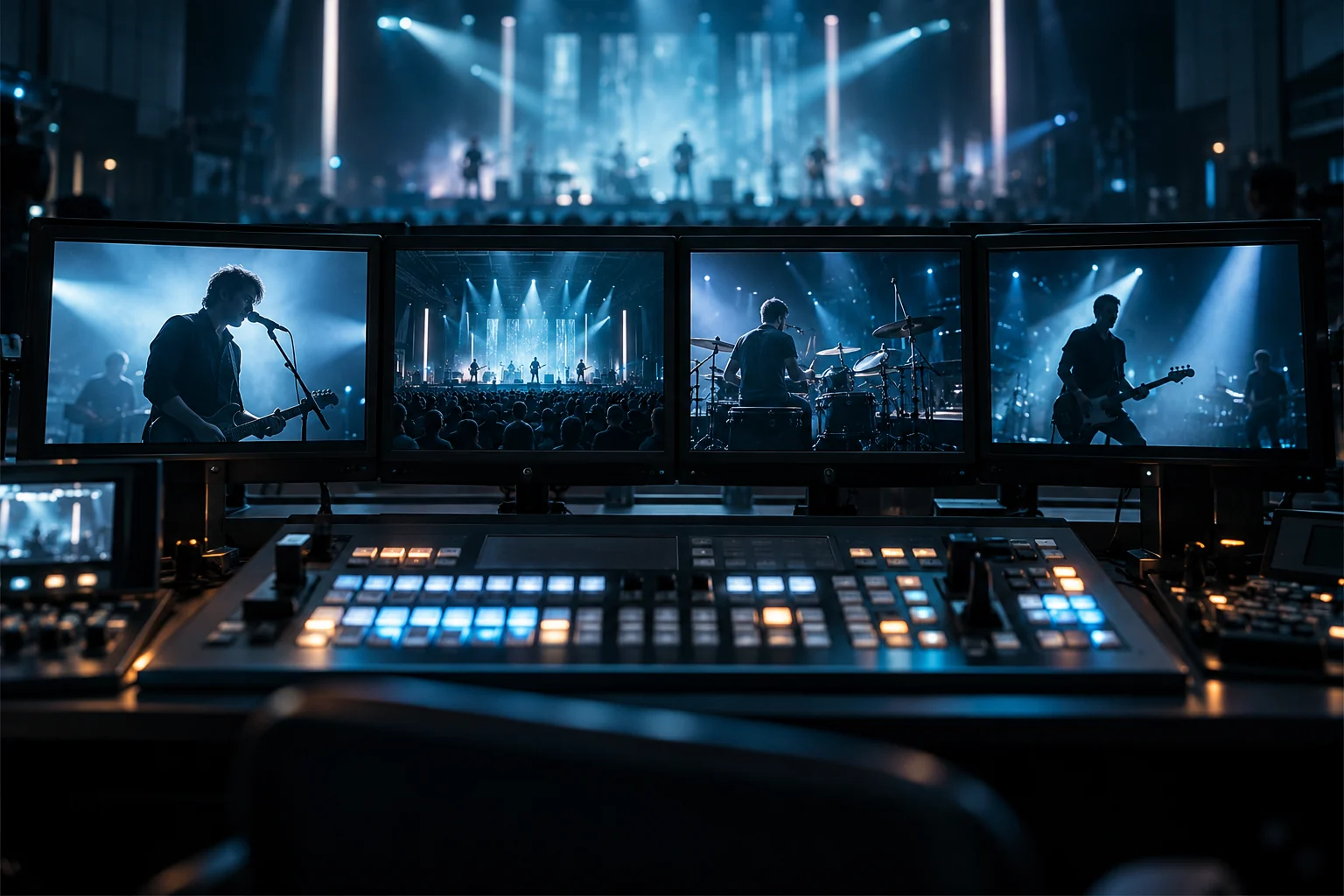
Product concept image · Not a screenshot of the software
01 / THE IDEA BEHIND THE PRODUCT
Human control in multicamera production.
Desktop software development for ATEM-centered preview and program workflows with operator control.
- 01Review camera sources
- 02Separate Preview from Program
- 03Explore operator-triggered transitions
Explanatory simulation
These experiences are explanatory simulations running only in your browser. No AI, physical device, email account or production system is connected.
02 / INTERACTIVE STUDY
Explore the approach.
This browser study is not the real product engine. It illustrates a proposed workflow or technology direction.
REAL-WORLD DEPLOYMENT
FOURI AutoDirector — From Code to Live Production.
Developed by FOURI Technologies, AutoDirector has moved beyond the development environment into a professional live-production workflow. Its use alongside real camera sources and Blackmagic ATEM infrastructure during a concert broadcast has been confirmed by the project team.
FIELD-TESTED · LIVE PRODUCTIONField use is confirmed by the project team. No official Blackmagic partnership, independent performance benchmark or compatibility certification is claimed.
Real field recording · professional concert control room · playback on demand.
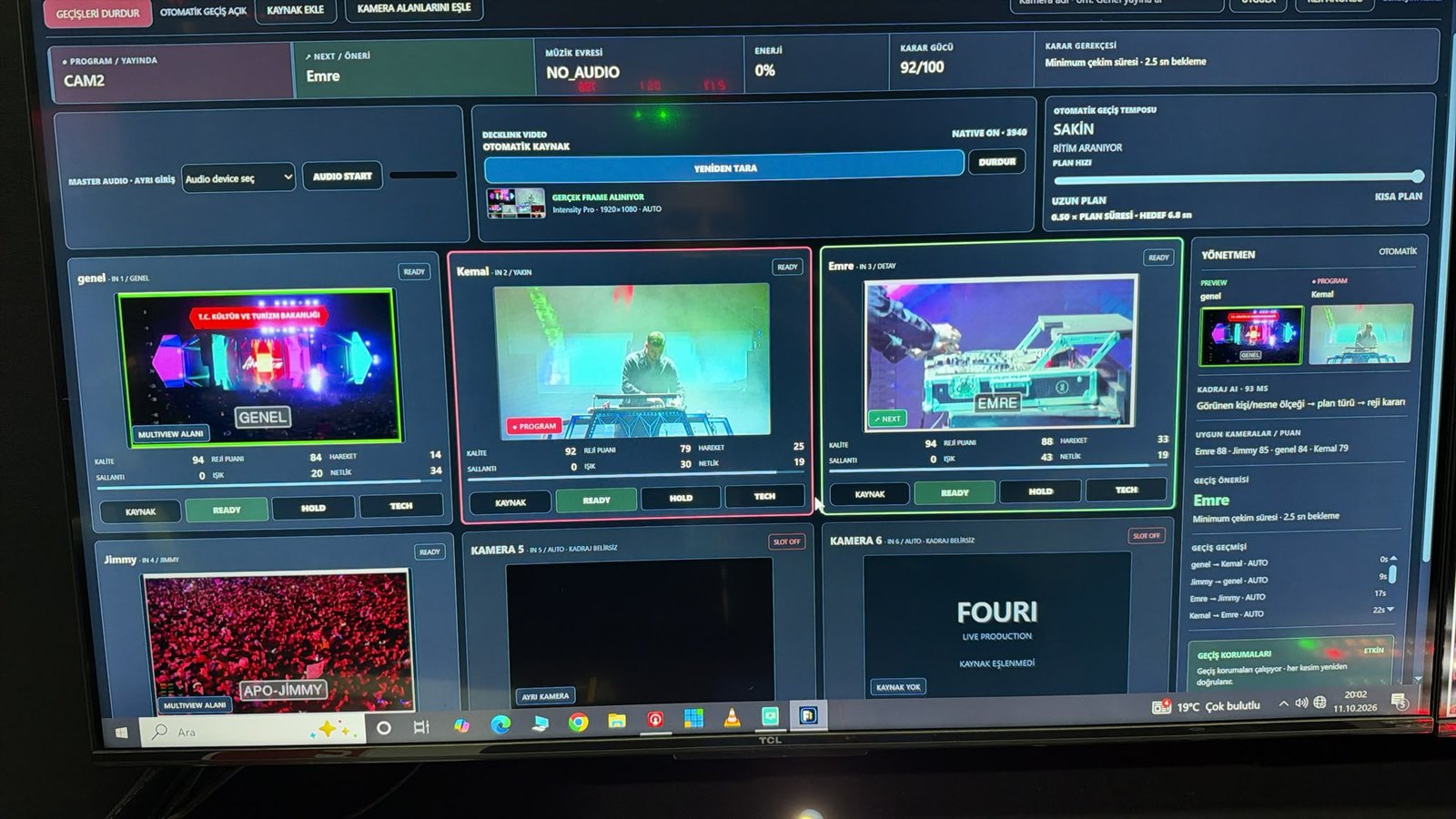
AUTODIRECTOR / VIRTUAL CONTROL ROOM
Virtual control room.
Select a preview camera, take it to program or try an example scenario rule. Views are illustrations; no live broadcast, ATEM or camera connection.
AUTODIRECTOR / MULTIVIEWSIMULATION · NO SIGNAL INPUT
Preview
Program output
With the rule enabled, each cue takes the next example camera to program. No image analysis or automatic person/ball tracking.
01 / What is it for?
What is it for?
Desktop development for ATEM camera selection and operator control. Work covers concert, speaker, panel, Reality and Volleyball profiles. No automated ball, rally or score detection is claimed. Professional concert-broadcast use alongside an ATEM workflow has been confirmed by the project team; this does not establish certification or measured automation performance.
A usage scenario
- Identify the production scenario, devices and operator needs.
- Evaluate the control flow and required connections.
- Discuss a pilot scope based on release and hardware validation.
Place in the ecosystem
Our product area around live production, device control and voice workflows.
Questions worth asking
Can I use this product now?
Access and features depend on the release, pilot scope and validation stage. Contact us to discuss the current position and suitability for your needs.
Does it work with other systems?
Integrations and device compatibility are evaluated per product. Share the system you need so we can separate validated support from further development.
From the same world
Broadcast & voice
Camera Control
Connecting camera and production workflows.
Hardware validation in progressExplore the product · Camera Control
Broadcast & voice
Voice Local
Voice-focused product development.
Product developmentExplore the product · Voice Local